 PM SVANidhi
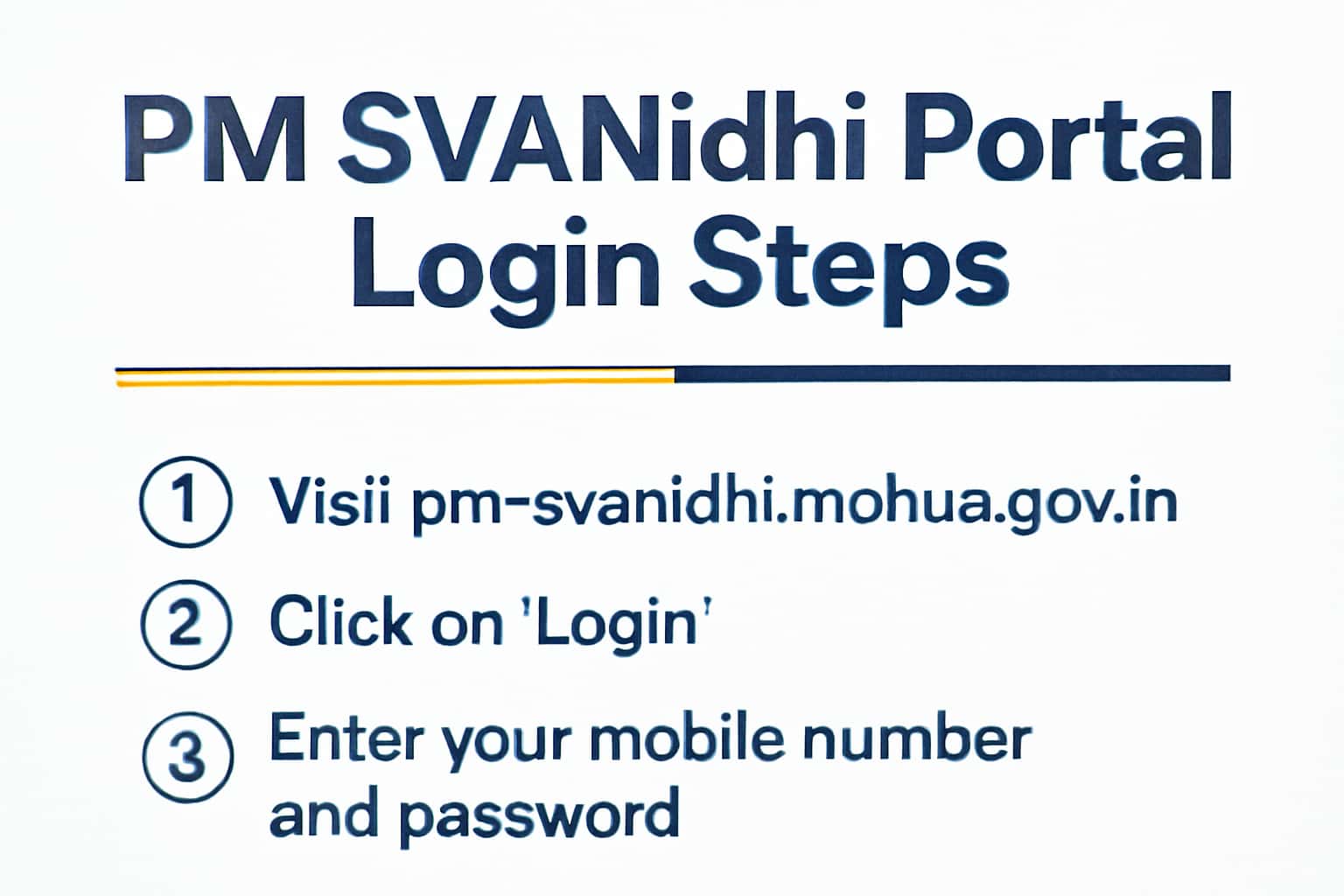
The PM SVANidhi scheme aims to support street vendors by providing them access to affordable loans. To fully benefit from this initiative, you must first log into the PM SVANidhi portal. This guide outlines the login steps, eligibility criteria, and the application process. For more information about the benefits of the scheme, check out our PM SVANidhi benefits page. For related guidance, see Apply Online for PM SVANidhi Scheme.
Who This Is For
The PM SVANidhi portal is designed for street vendors looking to avail themselves of financial assistance in the form of loans. This scheme is particularly beneficial for those who operate small businesses in urban areas and need support to recover from the effects of the pandemic.
- Street vendors seeking financial assistance.
- Individuals interested in understanding eligibility and application processes.
Eligibility & Requirements (Verify Official Notice)
To apply for PM SVANidhi, you must meet specific eligibility criteria. Ensure to cross-check the latest requirements on the official portal, as they may be updated periodically. Generally, the following criteria apply:
1. You must be a street vendor engaged in vending in urban areas.
2. You should possess a valid identity proof and proof of business operation.
- Must be a street vendor.
- Verify any additional eligibility criteria on the official portal.
Documents Needed
To facilitate your application, gather the necessary documents that may include identity proof, address proof, and details related to your street vending business. Commonly required documents include:
1. Identity proof (Aadhaar card, voter ID, etc.).
2. Business proof (local authority certificate, trade license, etc.).
3. Bank account details for loan disbursement.
- Identity proof (Aadhaar card, etc.).
- Business proof (local authority certificate, etc.).
- Bank account details.
Step-by-Step: How to Proceed
Follow these steps to log in to the PM SVANidhi portal:
1. Visit the official PM SVANidhi portal.
2. Click on the 'Login' button.
3. Enter your registered mobile number and password.
4. Click on 'Submit' to access your account.
5. If you are a new user, you may need to register first. Check our registration guide for assistance.
- Ensure your password is secure and remembered.
- If you face issues logging in, use the 'Forgot Password' option.
Common Issues & Fixes
Users may encounter several common issues while logging in or applying. Here are some troubleshooting tips:
1. Ensure your internet connection is stable.
2. Verify that your mobile number is registered correctly.
3. Clear your browser's cache and cookies if facing issues.
4. If you receive an error message, check the details you entered for correctness. Common errors include incorrect mobile numbers or passwords.
5. If the issue persists, consider trying a different browser or device.
- Check for any updates on the official portal.
- Reach out to customer support for assistance if problems persist.
Frequently Asked Questions
Where do I verify the latest details?
Use the official portal/notification and cross-check dates.
What if I cannot login/apply?
Try the troubleshooting steps and verify OTP/KYC instructions.
How long does it take to process the loan application?
Loan processing times can vary but are typically completed within a few days if all documents are in order.
Can I apply for more than one loan under the PM SVANidhi scheme?
You can apply for a second loan once you have repaid the first loan, subject to the scheme's guidelines.